
Android app
Prime Broadcaster
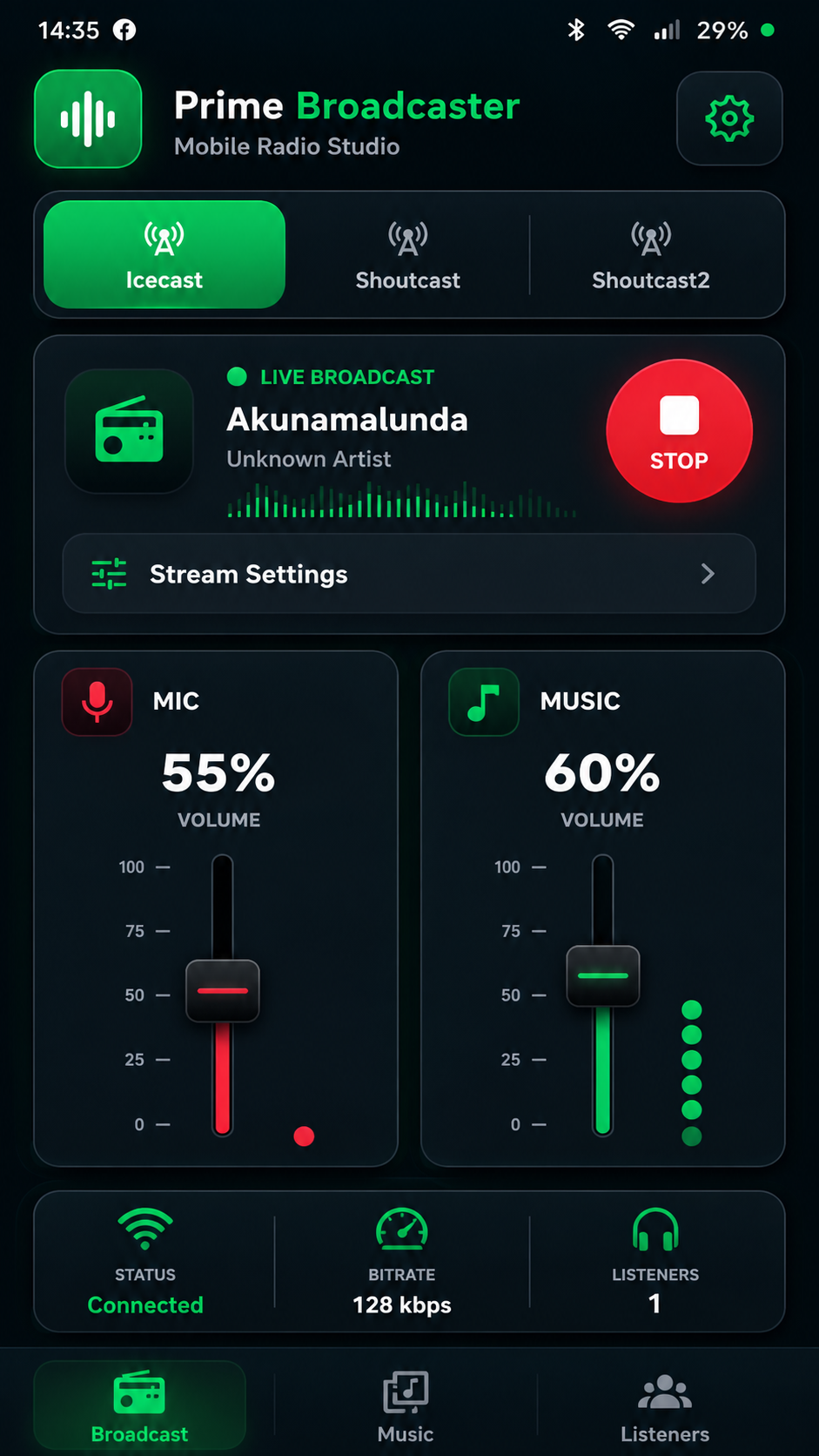
Sign in, select your station and let the app load its connection settings. Balance microphone and music, go live and check your broadcast status.
Get it on Google PlayPrime BroadcasterGo live from an Android phone with Prime Broadcaster, and let listeners discover your station from the mobile-friendly Prime Radio website.
Use the right screen for the moment: broadcast your show, or tune in to stations and podcasts.
Sign in, select your station and let the app load its connection settings. Balance microphone and music, go live and check your broadcast status.
Get it on Google PlayPrime BroadcasterListeners can search stations, play live radio, explore podcasts and return to favourites in a phone or desktop browser.
Open Prime Radio Listen →Prime Broadcaster puts the essential live controls on your Android device.
Use your Prime Radio account and choose a station you have access to.
The app loads the selected station’s broadcast connection details for you.
Start a live broadcast using your phone’s microphone and a stable connection.
Adjust microphone and music levels in the mobile studio mixer.
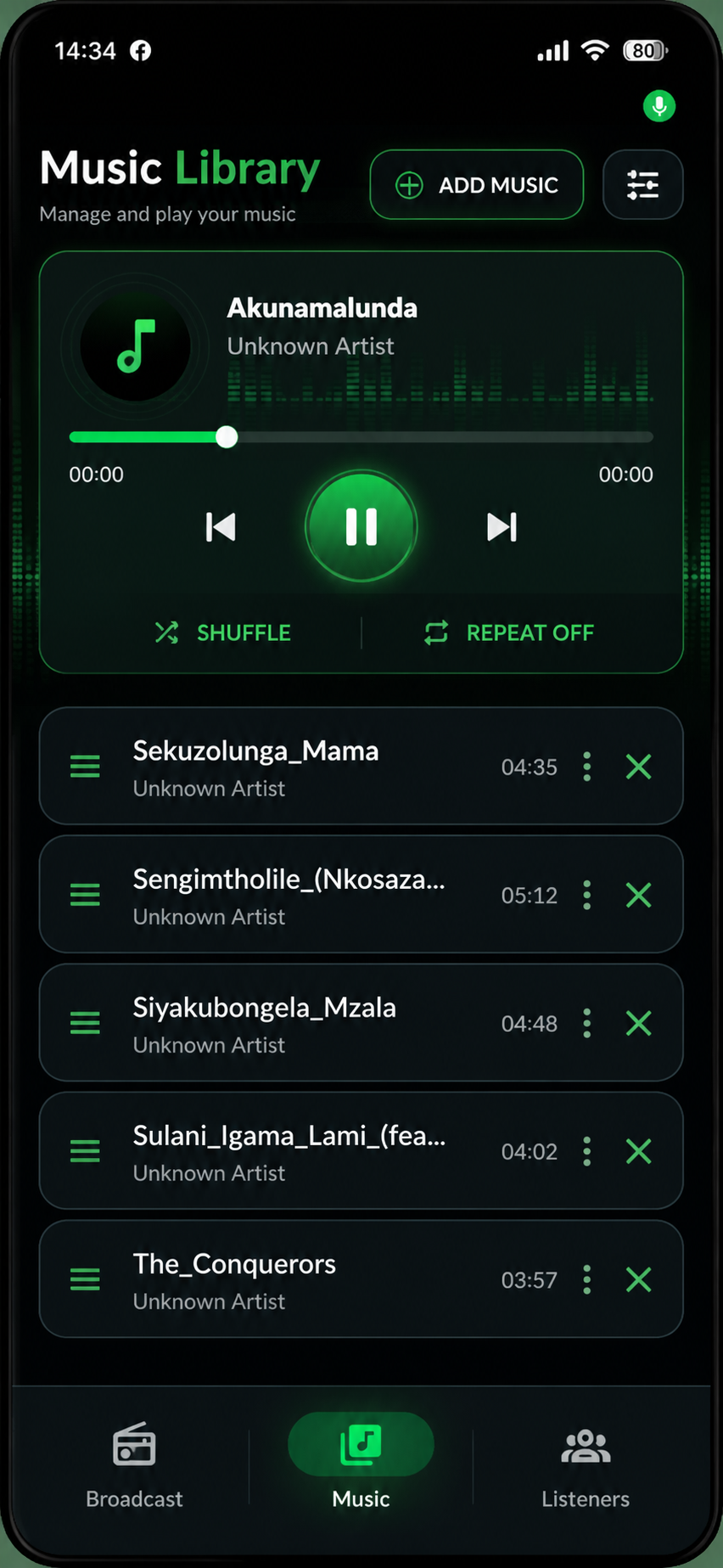
Use the app’s music library to prepare and control audio for your broadcast.
Confirm the broadcast status and bitrate after you connect.
The Prime Radio listener site adapts to phones, tablets and computers. Listeners can browse without installing a separate app.
Search and explore radio from the phone browser, then open a station to listen live.
Save stations and revisit recent listening from the mobile listener experience.
Add station artwork and details to your public page, then share its link with your community. Prime Radio provides responsive station pages; custom App Store or Google Play apps are not currently offered through the site.
See broadcaster tools →Yes. Download the Android APK from the Prime Radio site. Sign in with your Prime Radio account and select your station to load its broadcast settings.
The listener experience is currently available as a mobile-friendly website at Prime Radio Listen. The site does not currently link to a separate listener APK.
Custom branded Android or iOS station apps are not currently offered through this website. You can configure your station artwork and share its public station page.
Listeners can open the mobile-friendly Prime Radio website in a compatible phone browser. The broadcaster app currently documented here is for Android.
Live broadcasting uploads audio continuously and can use mobile data. A stable Wi-Fi connection is recommended where available.
Follow the Prime Broadcaster Android guide for installation, sign-in and setup instructions.
Download Prime Broadcaster for Android, or open Prime Radio Listen on mobile.
Get it on Google PlayPrime Broadcaster